 Fuginaut
Free for Mac
A second clock at the center of your menu bar.
Apple's clock sits in the far right corner of the screen. On a wide monitor, that's a long way from whatever you're working on. Fuginaut draws a second clock in the middle of the menu bar on every display, where a glance finds it.
macOS 14 or later, on Apple silicon and Intel. No account, and nothing collected.

Try one on.
This bar shows your own time. Your browser writes the words here, so a few may differ slightly from the app, which has many more options.
Size and position
Right where you look.
The clock sits at the center of the menu bar on every display. Size runs from 9 to 40 points, and a nudge moves it up to 600 points either way if something else already lives there.
On a screen with a notch, the clock slides beside the notch when it fits. While an external display is connected, a laptop's own screen starts with the clock off, and you can turn it on from General.

Text
Any font on your Mac.
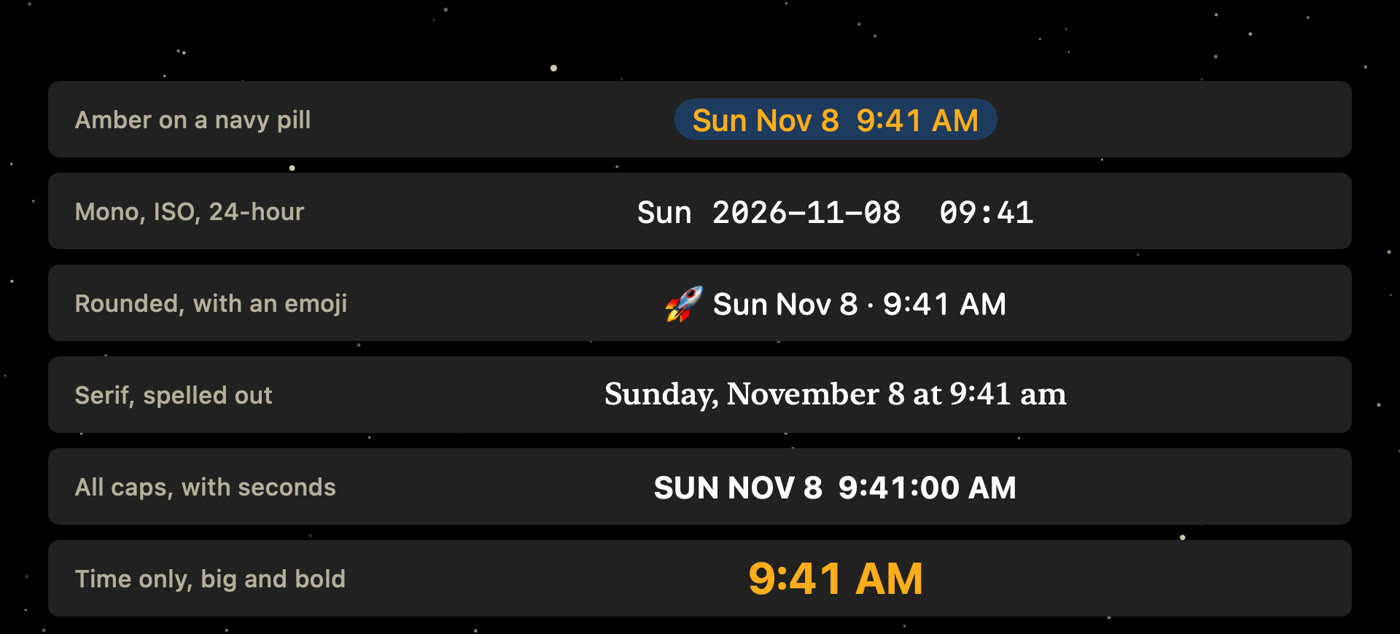
Pick System, Rounded, Mono, or Serif, or any font family you have installed. Choose from four weights, and write the clock as written, in ALL CAPS, or in lowercase.

Color
Match the bar, or don't.
By default the clock is white on a dark menu bar and black on a light one. Pick your own from 24 swatches, a hex value, or the color wheel.
A shadow or a pill behind the text keeps it readable over busy wallpaper. The backing picks a contrasting color on its own, or you can choose one the same three ways.

Format
Sixteen date styles, or write your own.
Short, long, day first, with the year, numeric, dotted, ISO, ISO week, day of year, and more. Switches show or hide the weekday, date, and time, and put the date or the time first, with seven choices for what goes between them.
The time can be 12-hour or 24-hour, with or without seconds, a leading zero, and PM, pm, or neither. Text or emoji can sit before and after the clock. For anything else, a custom pattern comes with ready examples and a menu of pattern letters.

World
Your language, your numerals, your calendar.
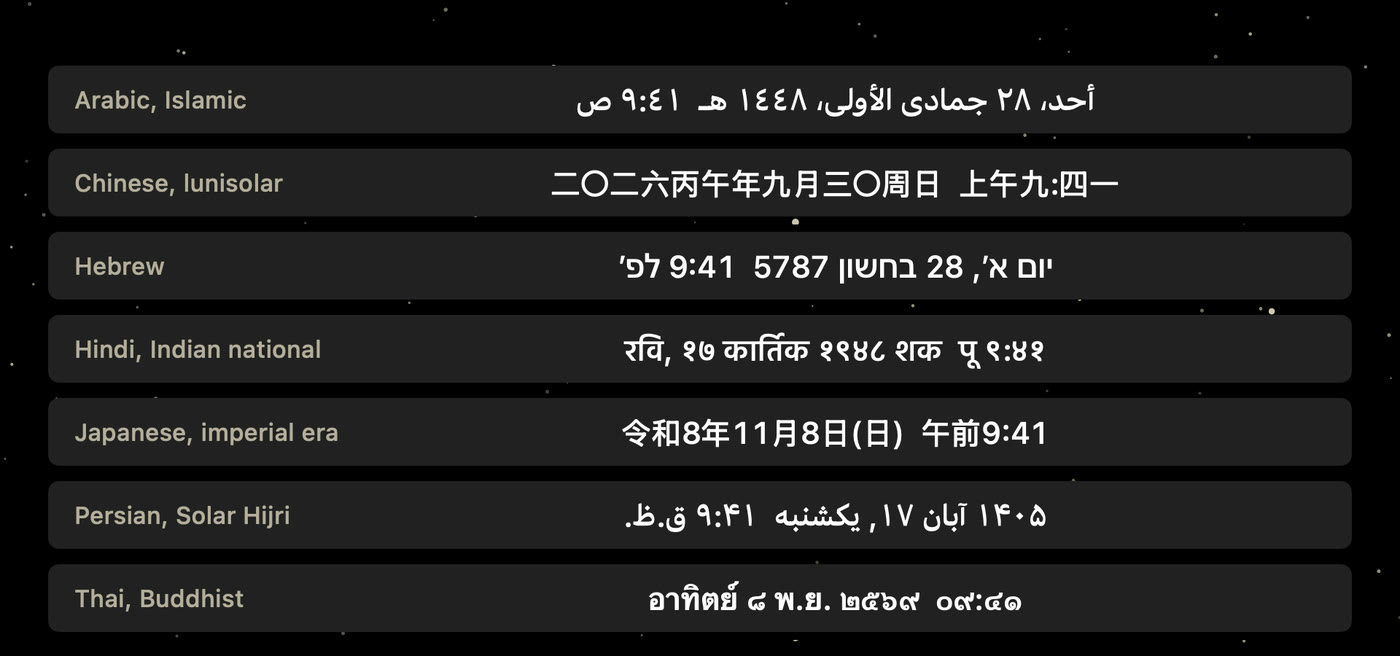
Fuginaut offers 27 languages, 17 sets of numerals, and 12 calendars, and you can mix them freely. Languages other than English use their own word order when the month is written as a word.
A second time zone comes from a list you search by city, zone name, or UTC offset, with a label of your own beside it.

General
It stays out of your way.
Click the eclipse in the menu bar to turn the clock on and off. It glows amber while the clock is on and goes plain while it's off. Right-click it for the menu.
Click the clock to open settings, or turn that off so clicks pass straight through. Choose which displays show it, keep it up in full screen apps, hide the menu bar icon, and open at login.

See it in 40 seconds.
No permissions. Nothing collected.
Fuginaut asks for no permissions and has no account. The Mac App Store version has no network access at all. The Homebrew and download versions ask GitHub for the latest release a minute after launch and every six hours, and you can turn that check off. Read the privacy policy.